
SendSMS
Send and receive text messages from your CRM or app, using your own Android phone and SIM. Two-way conversations, delivery status, and an API — without a separate messaging account.
Standard carrier rates from your own mobile plan apply.
Features
Everything you need to text customers from your own phone, with the guardrails that keep your SIM healthy.
Two-way SMS
Send and receive texts from your CRM or app, with replies arriving back through your own SIM.
Delivery status
See whether each message was delivered so you know where things stand.
STOP opt-out
Contacts who reply STOP are opted out automatically, so you respect their choice without extra work.
Daily sending limit
A sensible daily cap helps protect your SIM from being flagged or blocked by your carrier.
Encrypted phone login
Your gateway login is stored encrypted, so your phone's credentials stay protected.
API access
Send and receive messages programmatically from your own apps and automations.
Works with your CRM
Plug SendSMS into your existing CRM workflows for sending and tracking text messages.
Admin controls for agencies
Agency owners and admins can choose SendSMS as the SMS provider in Phone System settings.
How it works
Get SendSMS running in four steps using your own phone and SIM.
- 01
Install
Install the free, open-source gateway app on an Android phone with a SIM.
- 02
Link your phone
Turn on the Cloud server, sign up, and start the gateway. Copy your username and password.
- 03
Admin selects SendSMS
For CRM users, an agency owner or admin chooses SendSMS as the SMS provider in Phone System settings.
- 04
Start texting
Send and receive texts from your CRM or app through your own phone and SIM.
Only agency owners and admins can choose the SMS provider in the CRM's Phone System settings.
What you need
SendSMS runs on your own hardware, so the requirements are simple.
An Android phone with a SIM
Keep it charged, online, and connected to mobile data or Wi-Fi so it can send and receive texts.
Your contacts' consent
Only message people who have agreed to receive messages from you. Consent is your responsibility.
A look at SendSMS
See how SendSMS keeps you connected with your clients directly from your phone and CRM.
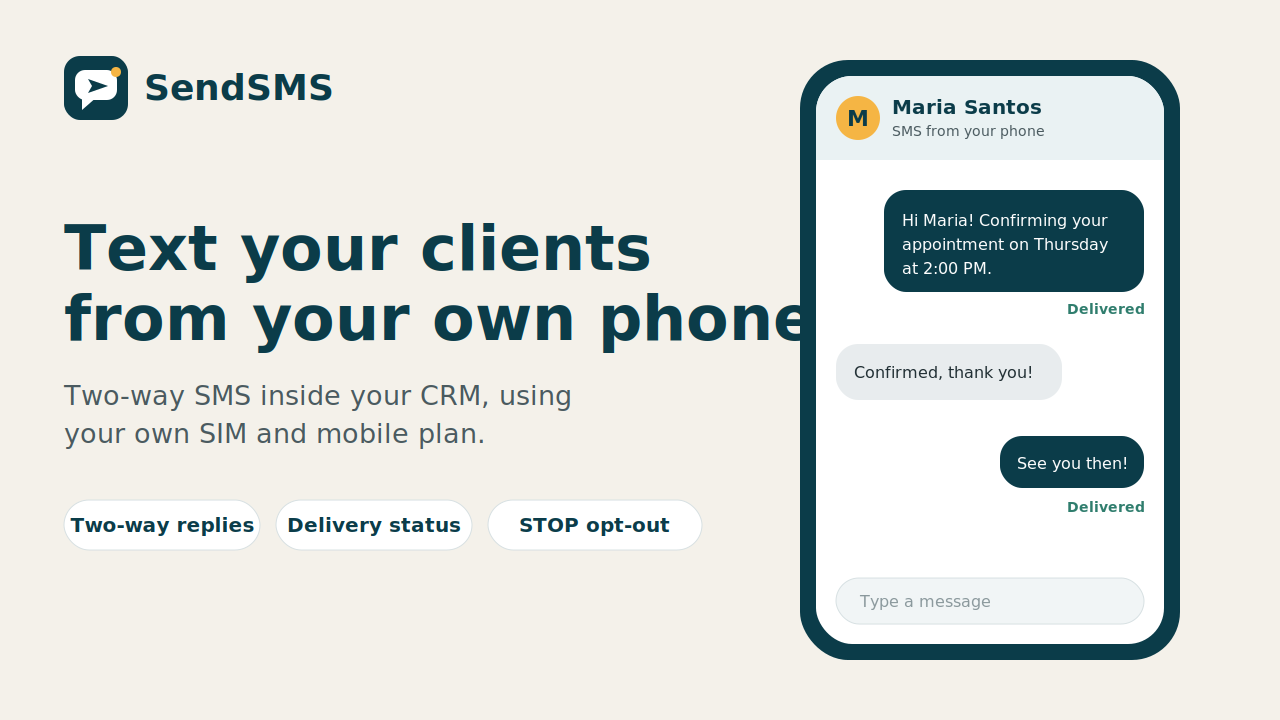
Two-way conversations
Text clients from your CRM using your own SIM, with live delivery status and STOP opt-out.
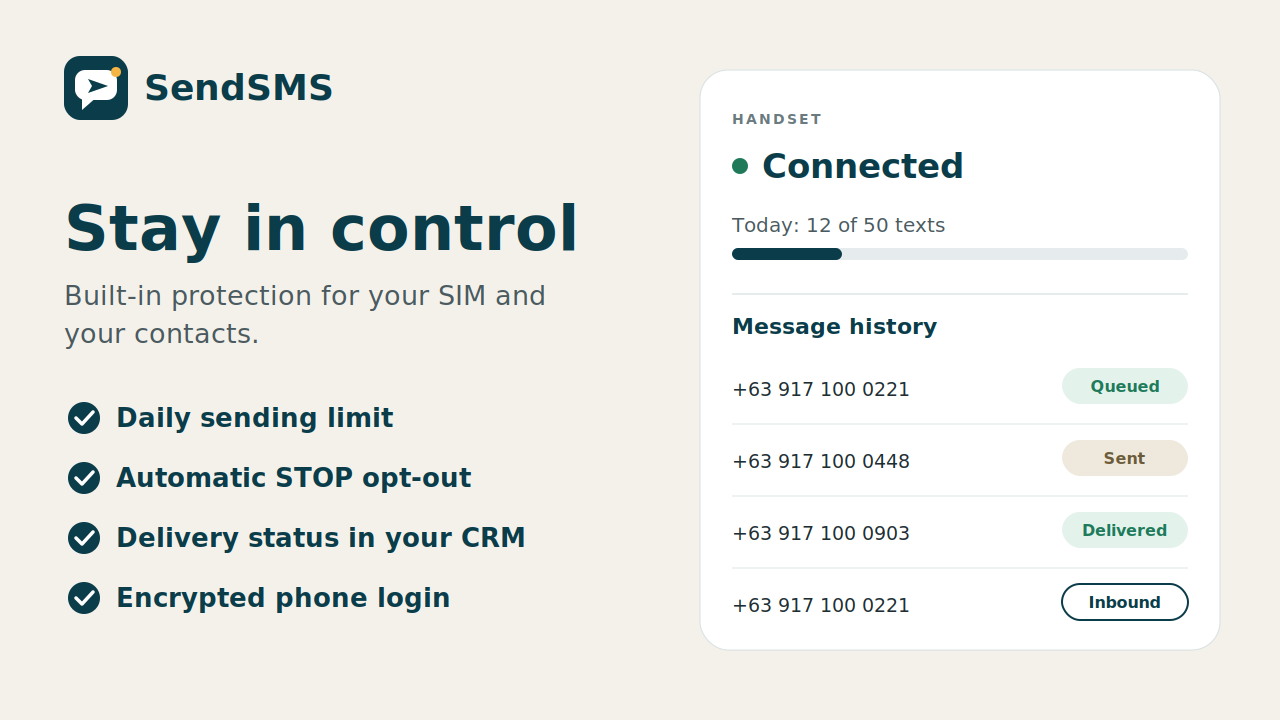
Built-in SIM protection
Live handset connection status, daily sending caps, and message delivery history.
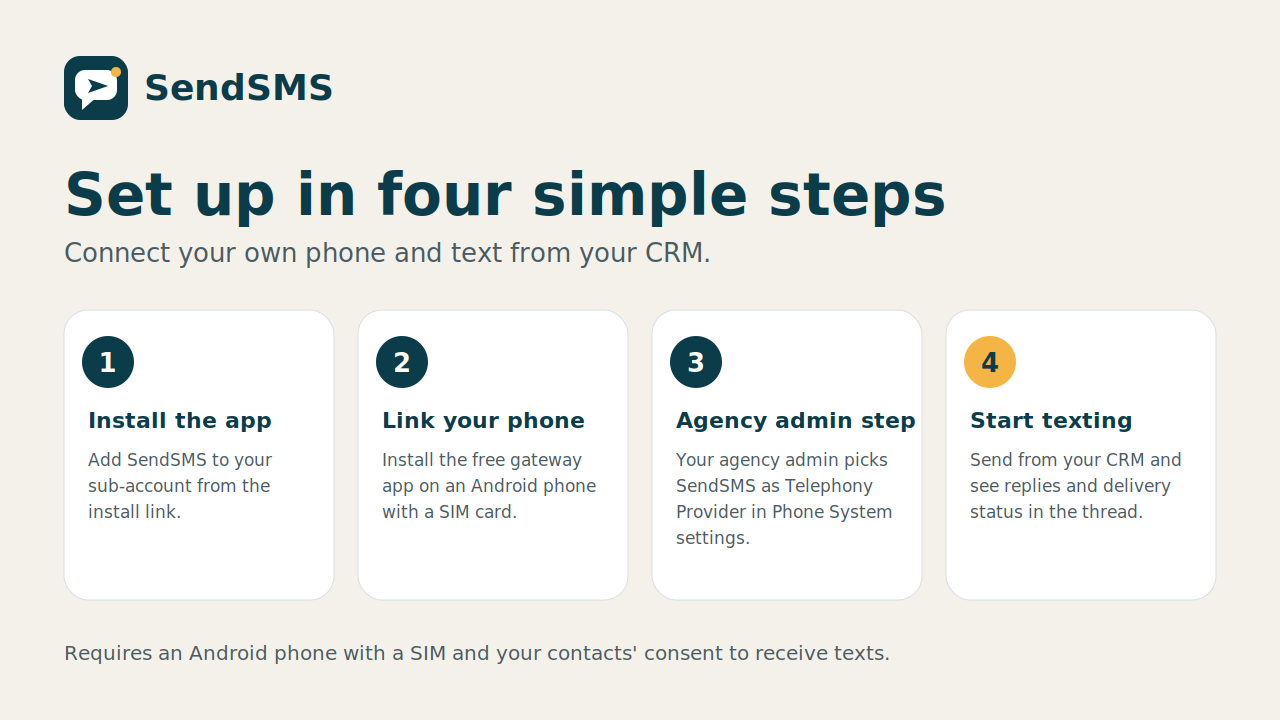
Fast four-step setup
Install the gateway app, link your phone, choose SendSMS in your CRM, and start texting.
Pricing
Plans coming soon. Contact us for early access.
Contact usStandard carrier rates from your own mobile plan apply.